

There is nothing more frustrating than spending an hour crafting the perfect post on X (formerly Twitter), only to have it met with absolute silence. No likes, no retweets, and worst of all—few views.
In the digital world, this is the equivalent of shouting into a void. You start to wonder: Did I just get unlucky, or am I shadowbanned?
In this quick guide, we’ll show you exactly how to diagnose your account status in minutes and what you can do to reclaim your reach.
What Does Being Shadowbanned Actually Look Like?
A shadowban (or "visibility filtering" in X's official terms) doesn't come with a notification. You can still log in and tweet, but the platform hides your content from everyone else. Here are the symptoms:
• Search Ban: Your profile and tweets don't show up in search results, even when someone searches for your exact username.
• Thread De-prioritization: Your replies to other people's tweets are hidden under the "Show more replies" button at the very bottom.
• Ghost Banning: Your mentions to other users simply never arrive in their notifications tab.
Method 1: The "Manual Search" Test (The Most Reliable Way)
While there are many "automated shadowban checkers" online, they often rely on outdated APIs and can give you false positives. The most accurate way to check is the Third-Party Perspective Method.
Why you shouldn't trust automatic checkers alone
Many checkers simply look for "red flags" in your metadata. They don't actually see if your content is visible to a real, logged-out user. To get a 100% true result, you need to see your profile from outside the Twitter ecosystem.
Using Twitter-Viewer.com to see what the public sees
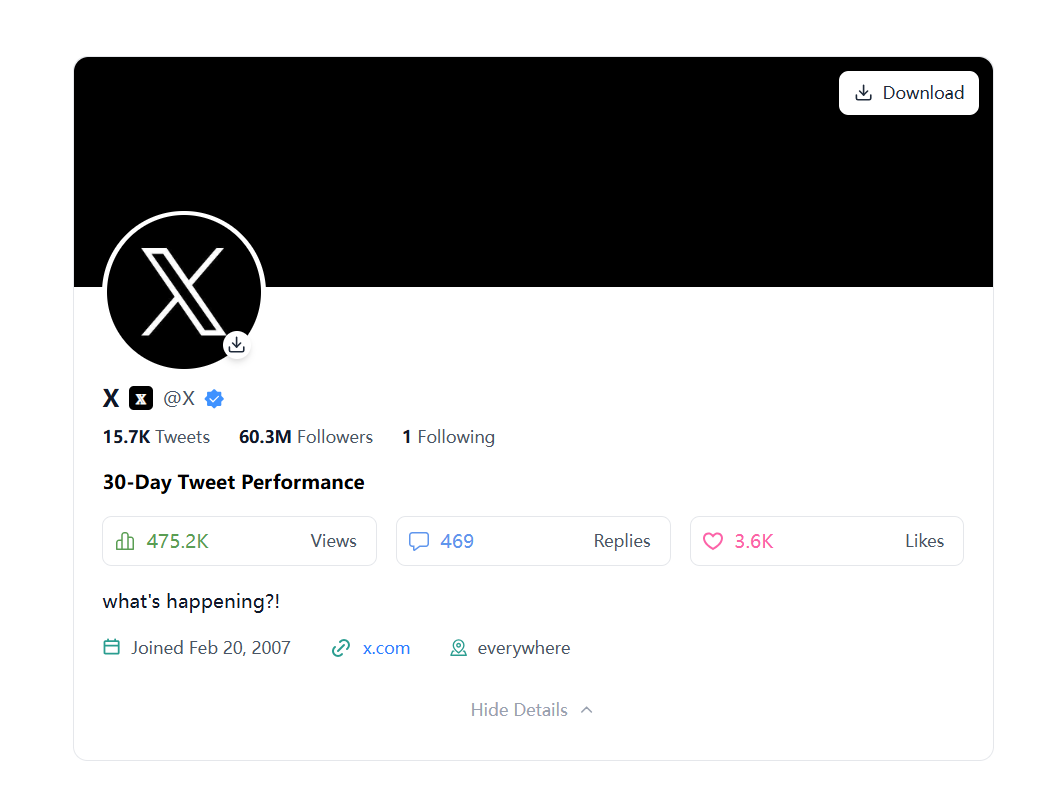
The most effective way to test your visibility is to use a tool like Twitter-Viewer.com. Since our tool accesses X's public data without being tied to your account, it shows you exactly what a stranger (or a search engine) sees.
1. Go to Twitter-Viewer.com.
2. Enter your @handle in the search bar.
3. Check the Results:
• Visible? If your profile and latest tweets appear instantly, you are likely safe from a hard shadowban.
• Missing? If your account doesn't show up or your recent media is missing, X has restricted your public visibility.
Method 2: Testing via Incognito Mode
If you don't want to use a tool, you can try the classic manual route:
1. Open your browser in Incognito/Private mode.
2. Go to X.com/search.
3. Search for from:yourusername.
4. If your tweets don't appear in the "Latest" tab, you are currently being filtered out of the search index.
Method 3: Checking the "Search Suggestion" Ban
This is a "lighter" version of a shadowban but still hurts your growth.
Ask a friend (who doesn't follow you) to start typing your username in the X search bar. If your name doesn't pop up in the auto-suggestions before they finish typing, your account has been flagged for limited reach.
I Am Shadowbanned, Now What?
Finding out you're invisible is frustrating, but it’s rarely permanent. Most shadowbans last between 48 hours and 7 days, depending on the "offense."
However, simply waiting isn't always enough. Please understand why it happened and how to signal to the algorithm that you aren't a bot or a spammer.
Read the Full Recovery Plan:
To get your reach back and ensure this never happens again, follow our
Comprehensive Twitter Shadowban Guide 2026: step-by-step recovery instructions and professional tips for staying visible.
Common Reasons for Suddenly Losing Visibility on X
If you've been "ghosted" by the algorithm, it’s usually because of one of these:
• Aggressive Following/Unfollowing: Following 100 people in ten minutes is a major bot signal.
• Spamming Links: Posting the same URL over and over will get you flagged instantly.
• Engagement Bait: Constantly asking for "RTs and Likes" can trigger the visibility filter.
• Sensitive Content: If your media settings are misconfigured, X might hide your profile from search by default.
Final Thoughts: Keep Your Account Healthy
Your reach is your most valuable asset on X. Don't let a shadowban kill your growth. Regularly check your profile status using Twitter-Viewer.com to ensure your voice is actually being heard.


