

If you’ve ever saved a post on X (formerly Twitter) and wondered whether anyone else could see it, you’re not alone.
Searches for are twitter bookmarks public continue to grow as users become more cautious about privacy, visibility, and unintended social signals.
This guide explains how Twitter bookmarks actually work, what others can and can’t see, and how bookmarks fit into the broader visibility model of X.
Are Twitter Bookmarks Public?
Short answer: No. Twitter bookmarks are private.
When you bookmark a tweet on X:
• Only you can see your bookmarked tweets
• Other users cannot view your bookmark list
• The tweet author does not know you bookmarked their post
According to X’s official documentation, bookmarks are designed as a private saving feature rather than a public interaction. They do not appear on profiles, timelines, or notifications.
Can Anyone See If You Bookmarked a Tweet?
This is the most common follow-up question behind are twitter bookmarks public, and the answer is clear:
• ❌ The tweet author cannot see who bookmarked their tweet
• ❌ Other users cannot see your bookmarks
• ❌ Your profile does not display bookmark activity
• ❌ No notifications are sent
From a privacy perspective, bookmarking is one of the least visible actions you can take on Twitter.
What Is a Bookmark Count — and Why It Confuses People
Some tweets show a bookmark count, which often leads to confusion.
Here’s what it actually means:
• It shows how many times a tweet has been bookmarked
• It does not reveal who bookmarked it
• It does not link bookmarks to user identities
Bookmark counts are aggregate metrics, similar to view counts. They reflect overall interest, not individual behavior.
Twitter Bookmarks vs Likes vs Retweets: Privacy Comparison
Understanding bookmark privacy is easier when you compare it with other Twitter actions.
| Action | Visible to Others | Notifies Author |
|---|---|---|
| Bookmark | No | No |
| Like | No (current behavior) | No |
| Retweet | Yes | Yes |
| Reply | Yes | Yes |
Bookmarks are intentionally quiet. They let you save content without signaling endorsement or drawing attention.
Common Myths About Twitter Bookmarks
“Bookmarks will become public”
False. Viral screenshots and rumors have circulated online, but there has been no official announcement indicating bookmarks will be made public.
“X Premium users can see bookmarks”
Also false. Premium features do not provide access to other users’ bookmark activity.
“You can browse or search other people’s bookmarks”
No such feature exists. Bookmark lists are private and not discoverable.
When to Use Bookmarks vs Other Actions on Twitter
Bookmarks work best as a private reference action.
• Use bookmarks to save content quietly
• Use likes for lightweight engagement
• Use retweets to amplify content publicly
• Use replies when you want to be seen or heard
Choosing the right action helps you control how visible your activity is on the platform.
How Bookmarks Fit Into Twitter’s Overall Visibility Model
Many users worry about bookmark privacy because they want to understand a bigger question:
What on Twitter is actually public, and what stays private?
In general:
• Tweets, replies, and retweets are public by default
• Private actions like bookmarks stay private
• Aggregate metrics show trends, not identities
Understanding these boundaries makes it easier to navigate Twitter with confidence.
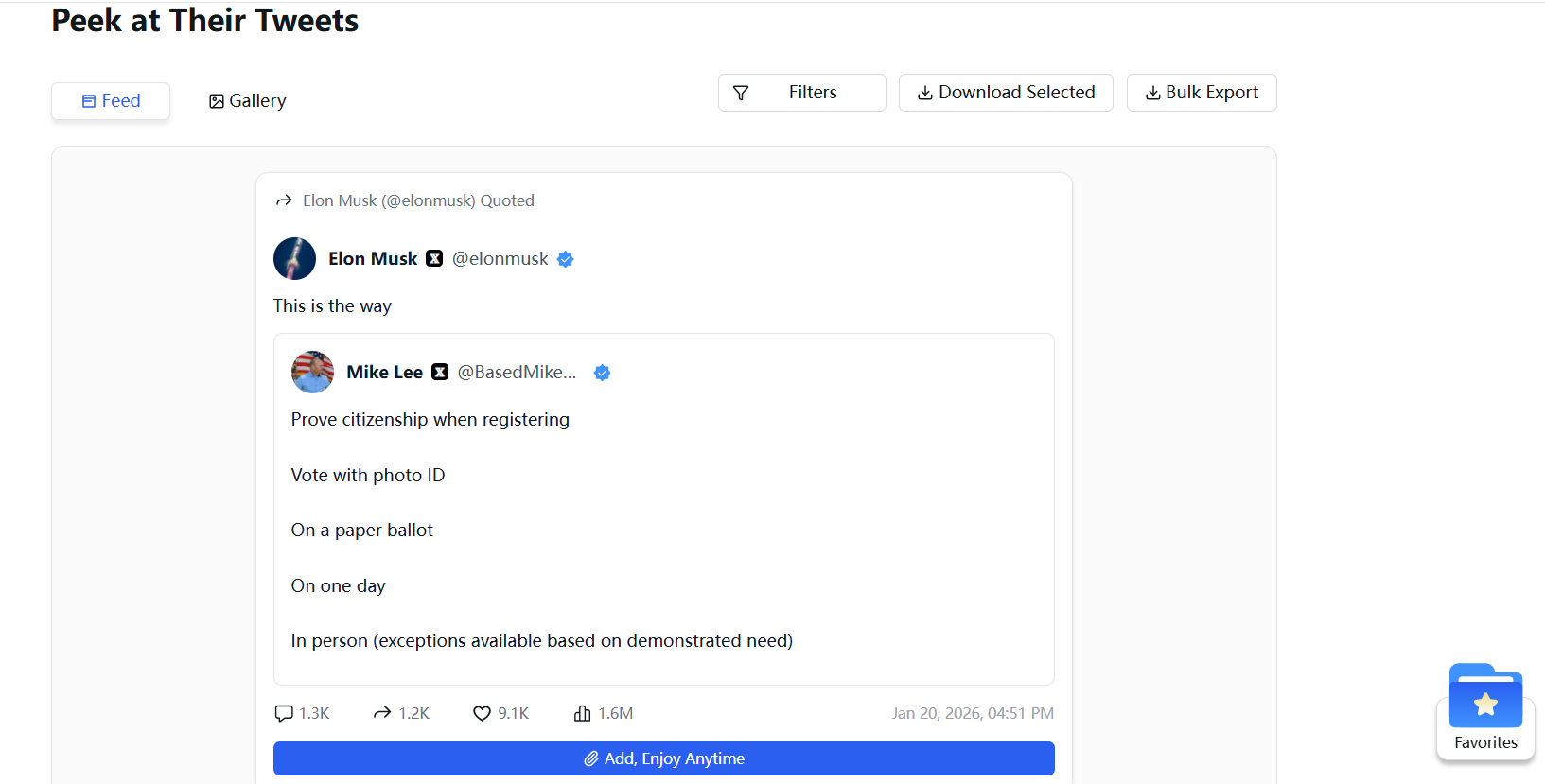
Saving Public Tweets for Long-Term Reference
While Twitter bookmarks are private, they are still tied to the platform itself. If a tweet is deleted, restricted, or removed, bookmarked content may no longer be accessible.
For users who want to keep important tweets available long-term, some tools focus on saving public posts independently, allowing them to be accessed again later without relying on Twitter’s bookmark system.
This approach is different from bookmarks. It doesn’t change what’s public or private on X. It simply helps users keep a personal reference to public content they may want to revisit at any time.
Final Thoughts
So, are Twitter bookmarks public?
No—and they’re not meant to be.
Bookmarks are designed for private saving, not public interaction. But understanding their limits is just as important as understanding their privacy.
Knowing what’s public, what’s private, and what depends on the platform helps you use Twitter more intentionally—without second-guessing every click.


