

Why Browse Twitter Profiles Anonymously?
There are many situations where users prefer to view Twitter profiles without signing in. Some want to avoid algorithm tracking or targeted ads, while others don’t want their browsing history linked to an account. Anonymous viewing is also useful when using shared devices, workplace computers, or public networks where logging in may expose sensitive information.
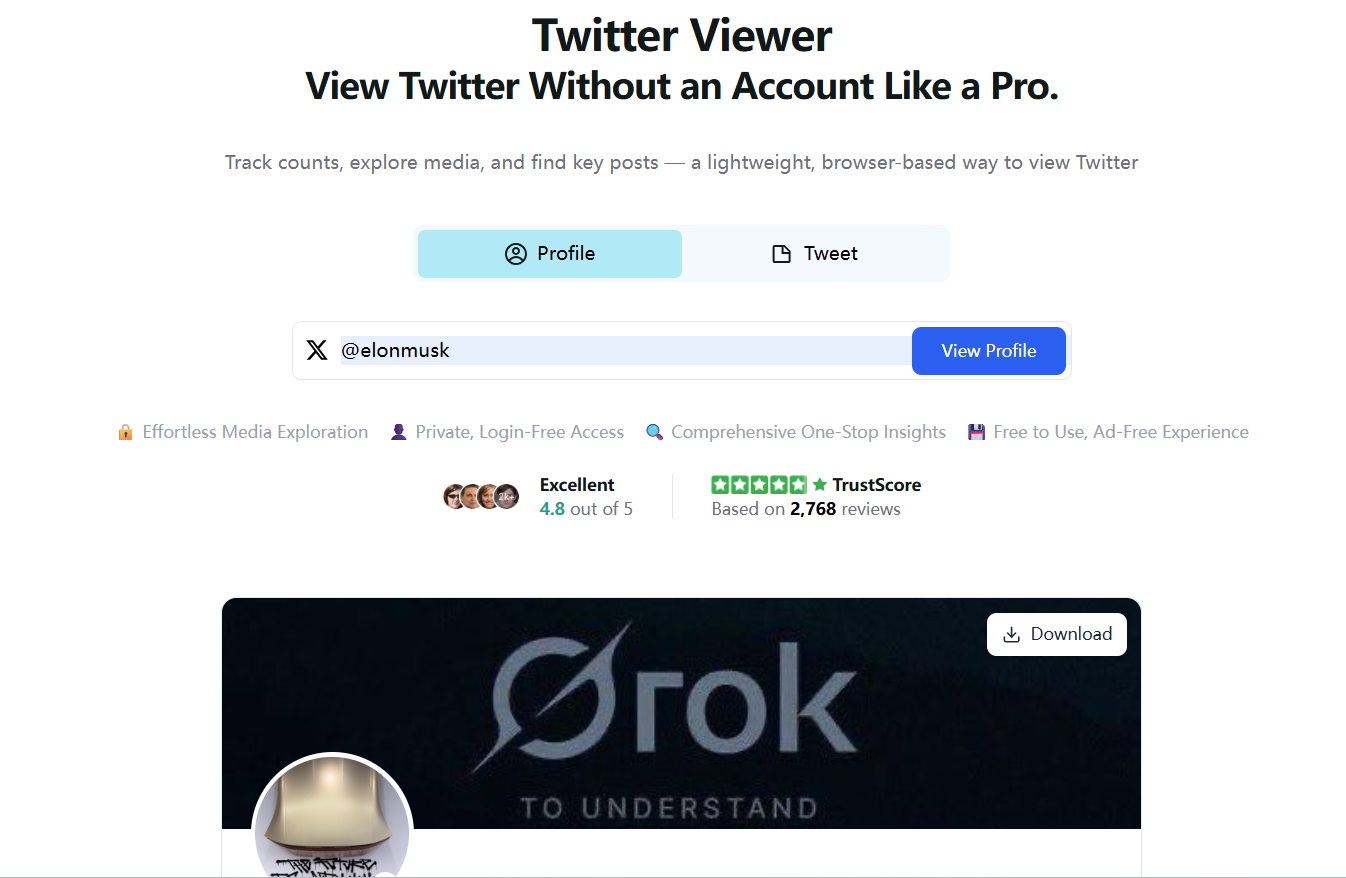
Since Twitter itself restricts certain views unless you are logged in, the easiest way to browse anonymously is by using a safe, no-login tool such as the Twitter Profile Viewer:
This tool allows you to view public profiles instantly without authentication, making it ideal for private or casual browsing.
Can You See Who Viewed Your Twitter Profile?
A common misconception is that Twitter reveals profile visitors. In reality, the platform does not show who viewed your profile, and this is confirmed by multiple authoritative sources, including TweetDelete and Owlead.
Twitter only provides general analytics such as profile visit counts and tweet impressions, but it never identifies individual visitors—even for paid X Premium accounts. This means that any app claiming to reveal your profile visitors is either misleading or potentially unsafe. Many such tools attempt to harvest login credentials or request unnecessary permissions, which can put your account at risk.
Using a no-login viewer is a much safer option because it allows you to browse publicly available content without interacting with Twitter’s tracking systems or revealing your credentials.
The Best Way to Browse Twitter Profiles Anonymously
If your goal is to view a Twitter profile without logging in, the most reliable method is to use an online viewer that does not require authentication or access to your account. The Twitter Profile Viewer offers exactly that: enter a username or profile link, and you can access public bios, tweets, and media instantly. Because you never log in, none of your activity is associated with an account, and no personal information is stored.
This makes it especially useful for discreet profile checks, quick research, or simply staying updated on public discussions without wanting to maintain a Twitter account.
Key Features of Twitter-Viewer
One of the advantages of using Twitter-Viewer is its ability to display tweets with engagement information through the Twitter Tweet Viewer. You can read public tweets, view replies, and explore media without encountering login prompts. The platform also lets you view photos, GIFs, and videos directly and download them for personal reference when appropriate.
Another benefit is speed. Twitter-Viewer is lightweight, requires no installation, and is completely free. This makes it accessible from almost any device, including environments where Twitter is restricted or inconvenient to access.
How to Browse a Twitter Profile Anonymously: Step-by-Step
To begin, simply visit Twitter-Viewer. Once on the site, enter the @username or link of the profile you want to view, and the content will load immediately. You can browse tweets, bios, and media without logging in or interacting with Twitter’s systems. If you need to save an image or video for reference, you can download media directly from the viewer.
When You Should Use an Anonymous Twitter Profile Viewer
Anonymous viewing is helpful in many everyday scenarios. It is ideal for users who don’t have a Twitter account but want to check public profiles or follow news updates. It also benefits researchers, journalists, marketers, and students who need access to public Twitter information without altering algorithmic recommendations or exposing personal accounts. In environments where Twitter access is limited, a lightweight viewer can allow partial visibility of public content.
Is Anonymous Twitter Viewing Legal and Safe?
Viewing public content is fully legal because it is already accessible to anyone on the internet. However, no anonymous viewer can access protected or private accounts—those remain visible only to approved followers. To stay safe, it’s important to avoid third-party tools that request your login details.
For official guidelines, see the Twitter Help Center
Using a trusted, no-login viewer is the safest method because it prevents data exposure and avoids unnecessary permissions.
FAQ
Can someone know I viewed their Twitter profile?
No. Twitter does not notify users about profile visitors.
Can I view private accounts anonymously?
No. Protected accounts can only be seen by approved followers.
Is Twitter-Viewer free?
Yes. All public viewing features are free to use.
Do I need a Twitter account?
No login or registration is required.
Conclusion
Anonymous browsing is a practical and privacy-friendly way to explore public Twitter profiles.
If you want a fast and secure solution without logging in, you can start using the Twitter Viewer here:
It offers a simple and effective way to check public profiles anytime, anywhere, without compromising your privacy.


