

What Is a Twitter Web Viewer in 2025?
A Twitter web viewer is an online tool that allows people to browse public Twitter (X) content directly in their browser without logging into a Twitter account. With login restrictions becoming stricter over time, these viewers provide a convenient way to check profiles, tweets, replies, and media without creating an account or exposing personal information.
Unlike Twitter’s official platform—which increasingly limits access for logged-out visitors—a web viewer serves as a lightweight interface that displays only publicly available content. It enables privacy-first browsing while avoiding algorithm tracking and account-based personalization.
For users who want to read tweets, explore profiles, or preview media anonymously, a web viewer has become the easiest solution in 2025.
Why People Search for a “Twitter Web Viewer”
There are several reasons people actively search for Twitter web viewers today.
View Tweets Without an Account
Many users don’t want to create a Twitter account just to read public content. Using a web viewer allows them to browse freely without signing up.
For step-by-step instructions, see our guide:
How to View Twitter Without Logging In (2025 Guide)
Stay Anonymous & Avoid Tracking
When you browse Twitter while logged in, your activity feeds into personalized recommendations and ad targeting. A web viewer avoids this entirely by not linking any browsing data to an account—offering maximum anonymity.
Use Twitter on Restricted Networks
In some schools, offices, or regions where Twitter is blocked or limited, lightweight web viewers remain accessible, providing an alternative route to public tweets without requiring complicated workarounds.
Research Public Tweets Quickly
Journalists, students, marketers, and content researchers often rely on web viewers to explore public topics, review account activity, or gather reference materials fast—no logins or setup required.
Types of Twitter Web Viewer Tools
Not all viewers serve the same purpose.
Basic Browsing Viewers
These tools offer simple access to profiles and timelines. They’re intended purely for reading public content and require no downloads or exports.
Download & Archiving Viewers
Some platforms combine viewing features with batch downloads or long-term archiving. They are ideal for heavy research tasks or content collectors but can involve more advanced workflows.
Social Analytics Platforms
Tools such as professional hashtag trackers or social media dashboards offer monitoring and engagement analytics instead of simple browsing. For example, services like TweetBinder specialize in hashtag and Twitter data analysis rather than casual viewing.
VPN-Based Browsing Tools
A few companies combine VPN services with Twitter viewing to overcome network restrictions. While this can solve accessibility issues, it often introduces paid subscriptions and unnecessary complexity for simple browsing needs.
How To Choose the Best Twitter Web Viewer
When selecting a Twitter web viewer, look for these qualities:
- Privacy-first access without login or tracking
- Fast loading speed with stable media playback
- Support for images, GIFs, and video viewing or downloading
- Clean, distraction-free user interface
- Accessibility on mobile and desktop
For most everyday users, a lightweight viewer capable of browsing profiles and tweets anonymously is the most practical solution.
Twitter-Viewer: Your All-In-One Twitter Web Viewer
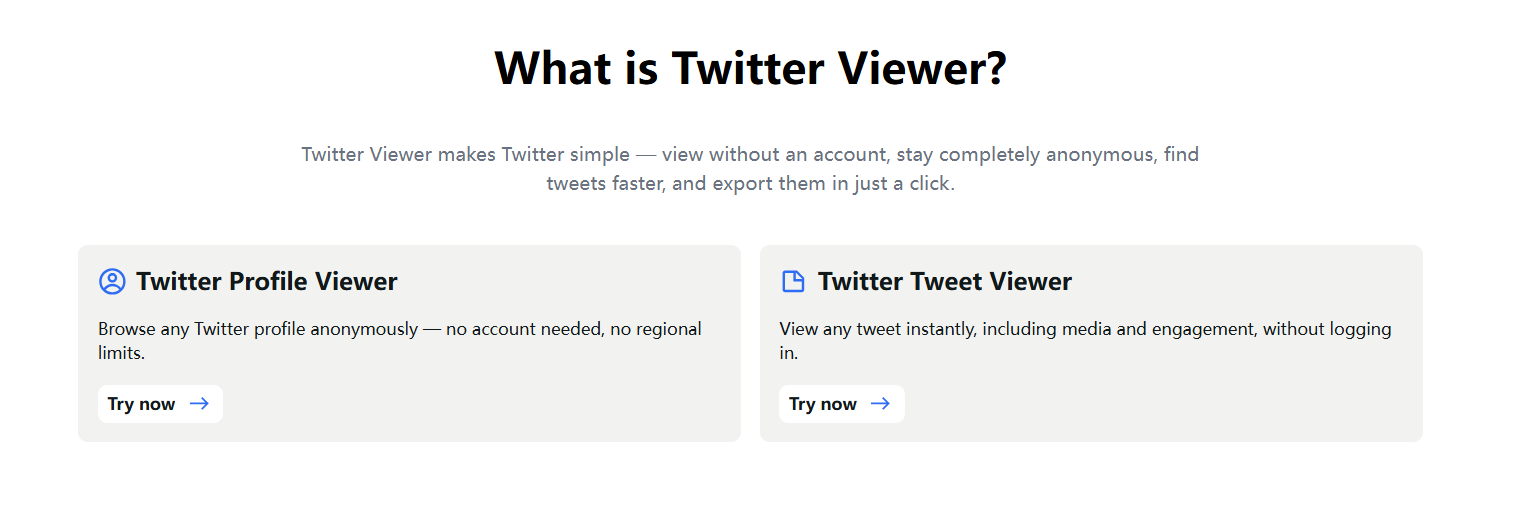
If your goal is simple, private, and fast Twitter browsing, Twitter-Viewer fits perfectly within the ideal web-viewer framework.
Core benefits:
• Browse public Twitter profiles and timelines without logging in
• Switch easily between profile browsing and single-tweet reading
• No registration or signup required
• Privacy-focused, anonymous access
• Lightweight web experience on desktop and mobile
How to Use Twitter-Viewer Step-by-Step
1️⃣ Visit our website
2️⃣ Choose Profile Viewer or Tweet Viewer
3️⃣ Enter a username or tweet URL
4️⃣ Browse timelines, tweets, replies, and media anonymously
5️⃣ Download images or videos if needed—no account required
Safety & Legality of Twitter Web Viewers
Are Web Viewers Legal?
Yes. As long as the viewer only displays publicly available Twitter content, there is nothing illegal about using it. No protected or private data is accessed.
Can Web Viewers Show Who Viewed Your Profile?
No.
According to Twitter’s official Help Center, Twitter does not provide any functionality that reveals profile visitors to users:
Independent confirmation from TweetBinder’s analytics review also states that Twitter’s API provides no data that would enable tracking profile viewers:
Any tool claiming otherwise is misleading.
Can Web Viewers Access Private Accounts?
No. Protected Twitter accounts can only be viewed by approved followers, and no legitimate tool can bypass this restriction.
Final Thoughts
As login restrictions grow stricter in 2025, a reliable Twitter web viewer has become essential for anyone who wants simple, anonymous access to public content.
Twitter-Viewer offers a balanced solution—fast browsing, privacy protection, and no account requirements—making it one of the most efficient ways to explore Twitter (X) online.
👉 Start browsing instantly at Twitter Viewer


